Versionizer
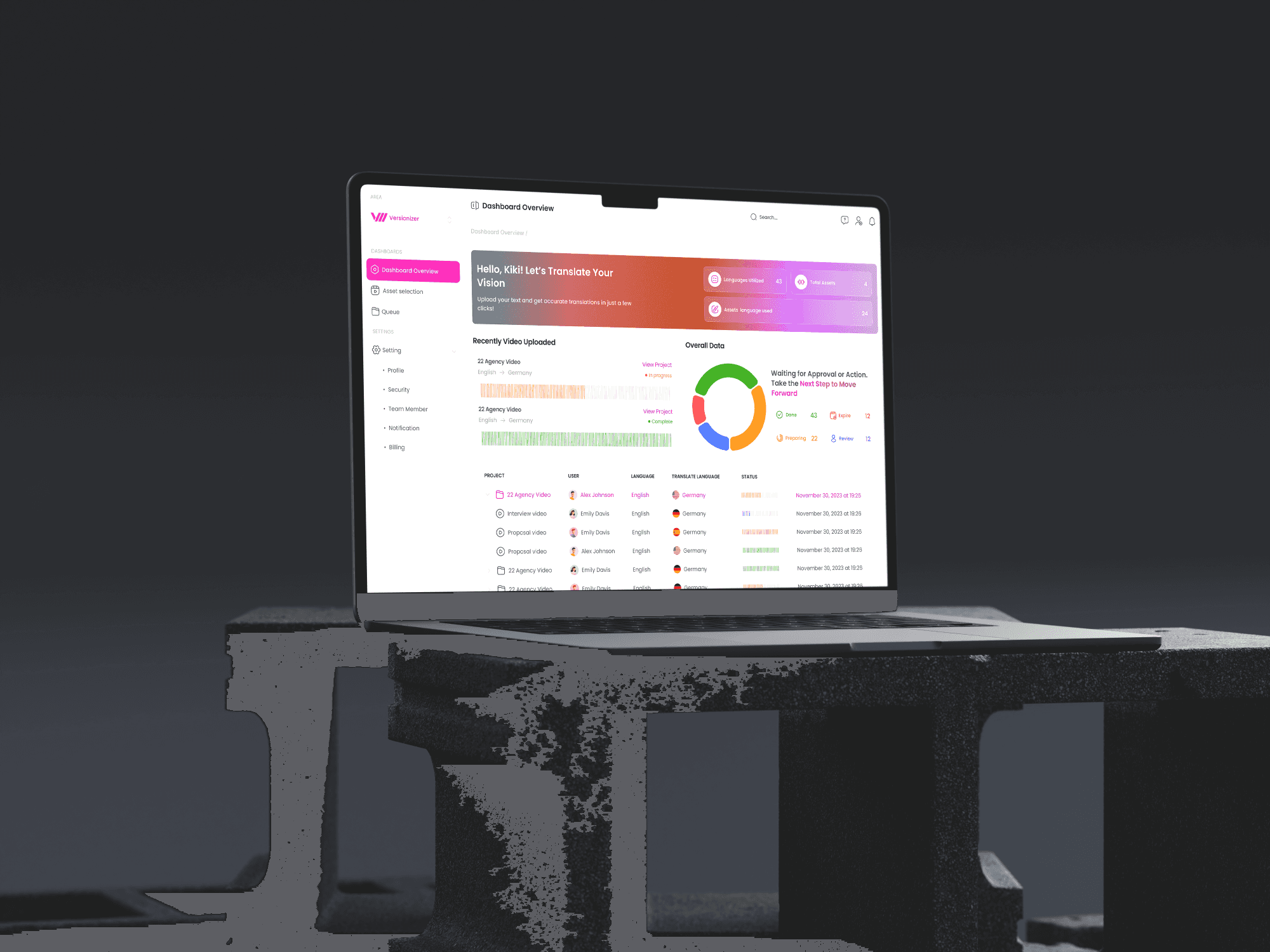
Versionizer is an AI-based company that makes it easy to translate the text within a video into other languages. This simplifies the process for marketing teams and helps them save time, making their workflow more efficient.
My Role
Responsibilities
As a UI designer, my role was to create a user interface that is both simple and visually appealing, allowing users to interact with it effortlessly.
About Versionizer
Versionizer is an AI-based company that makes it easy to translate the text within a video into other languages. This simplifies the process for marketing teams and helps them save time, making their workflow more efficient.
Design Process
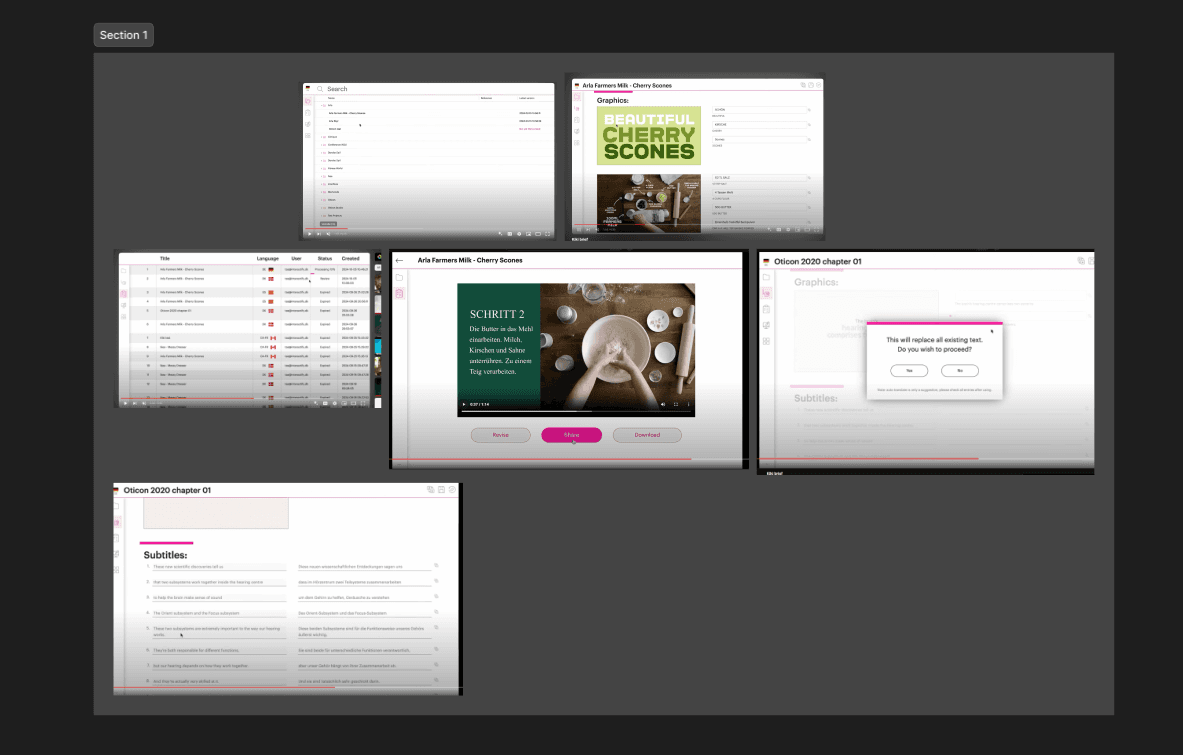
Reviewing Existing Designs and Understanding the Last Design: My first step was to review all the existing designs of the application. I familiarized myself with the project's design system to ensure consistency in visual language, user experience, and interaction patterns.
Design Process
Reviewing Existing Designs
Reviewing Existing Designs: My first step was to review all the existing designs of the application.
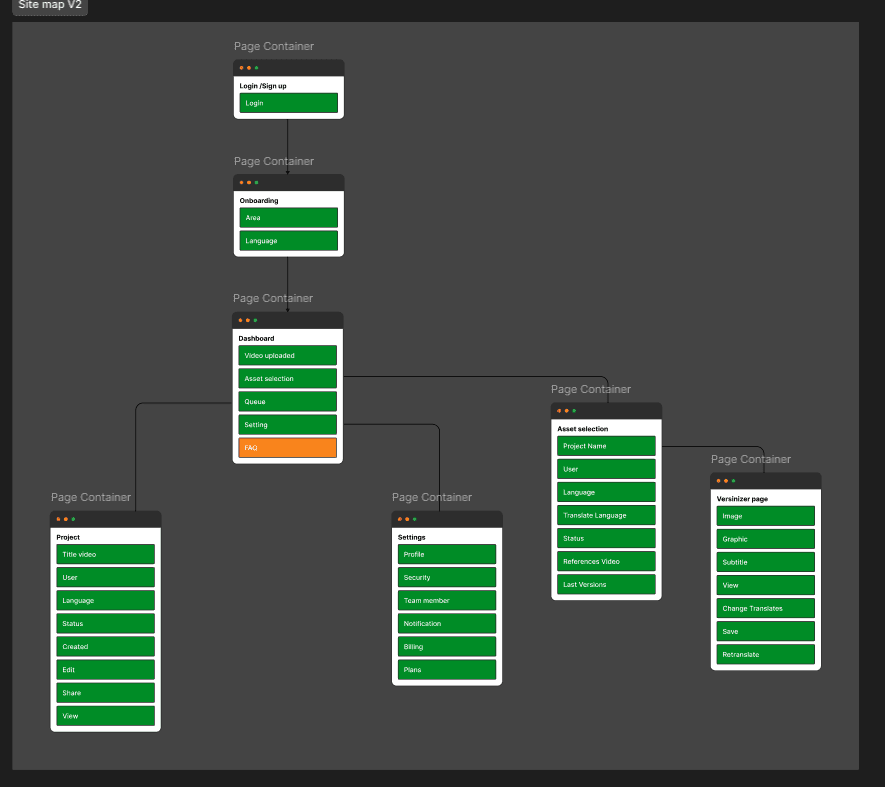
site map
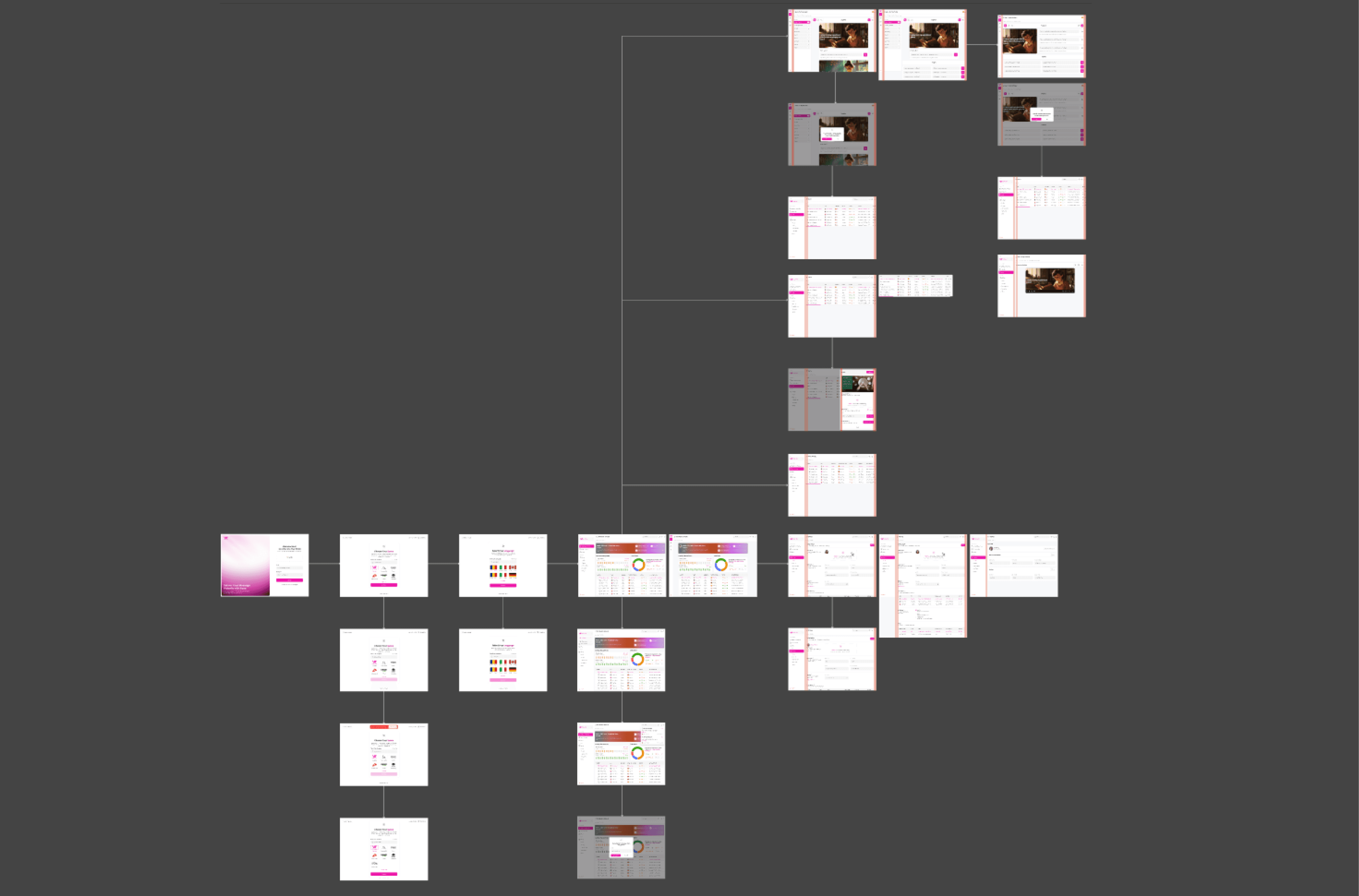
In this section (Site map), we aimed to confirm the total number of project pages to ensure we are following the correct path. The site map was implemented in two versions, and the final image is provided below for your reference.
Mood Board
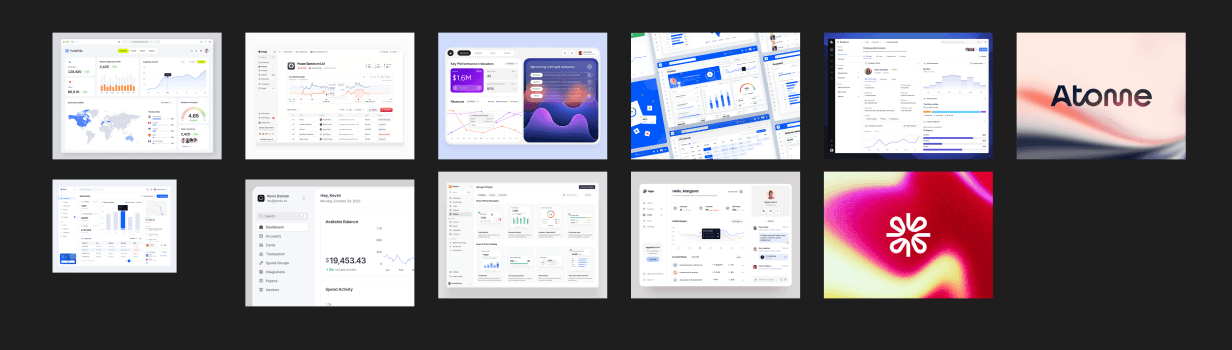
Next, I created mood boards to inspire the project’s design direction. I categorized my references into:
2.1 Textual Ideas: Keywords and themes that reflected the desired tone and style of the project.
2.2 Visual Inspiration: Images and design elements that I could draw from during the design phase.
I presented these mood boards to the client in a meeting to align our vision before starting the actual design.
AI Website Data and Documentation Review
I then focused on the AI section of the website. I checked the available data and collaborated with the AI developers to gather documentation. This step helped me understand how the application and website functioned from a technical standpoint, which informed the design.
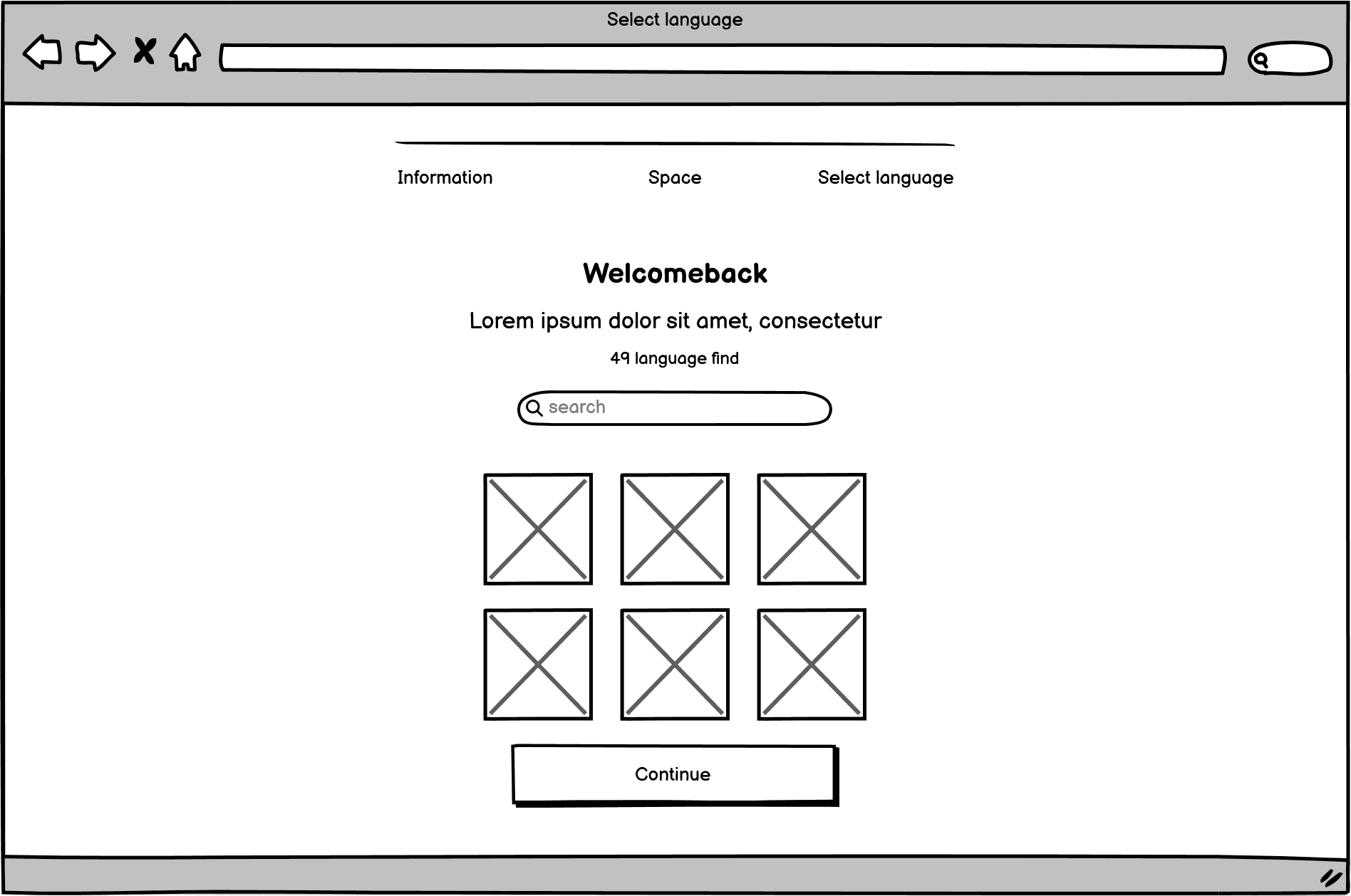
Wireframe
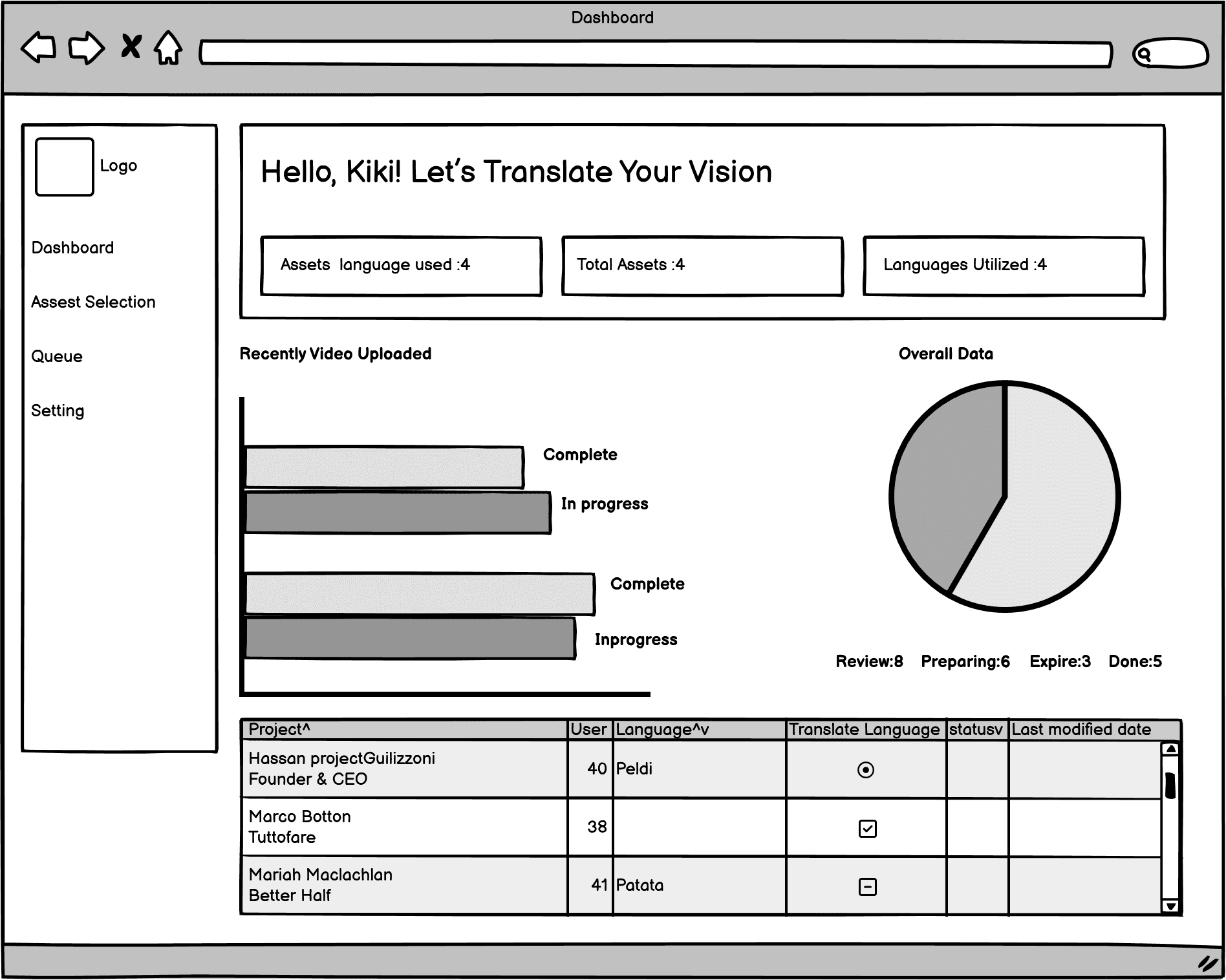
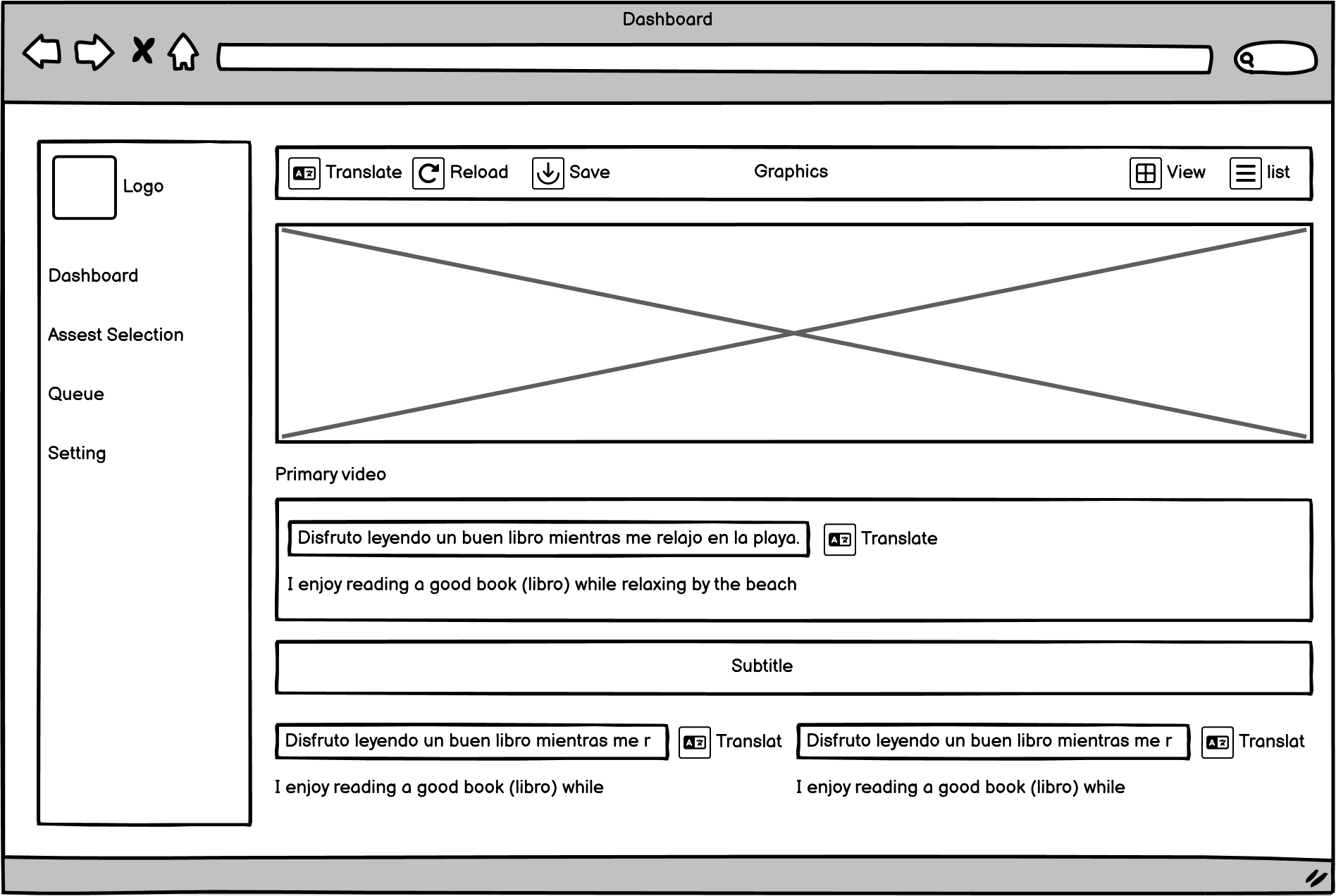
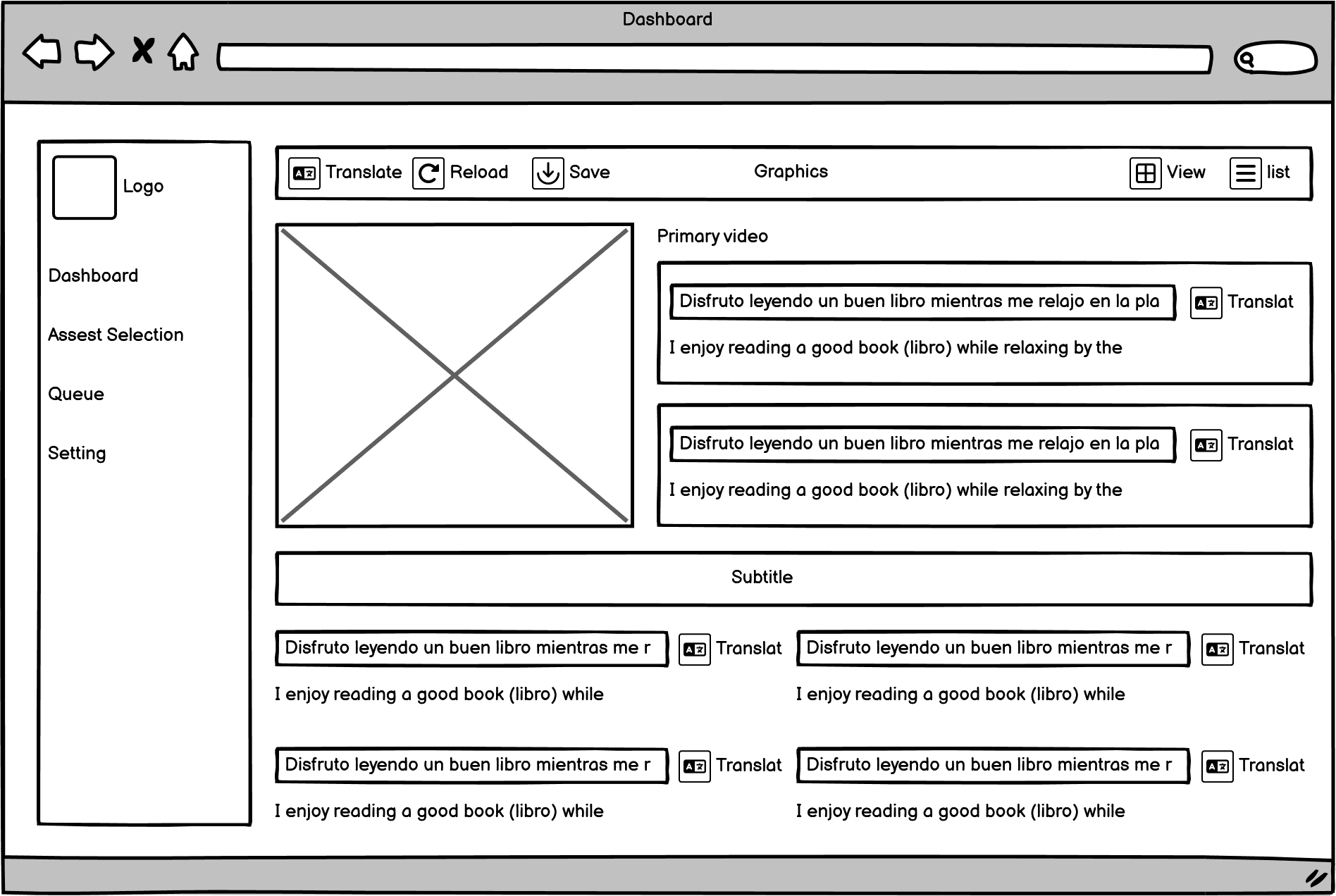
In this section, we made an effort to thoroughly explore all potential ideas and subsequently discuss them with the project founders. This enabled us to present our best concepts while gaining insight into any structural issues they identified.tried
Design
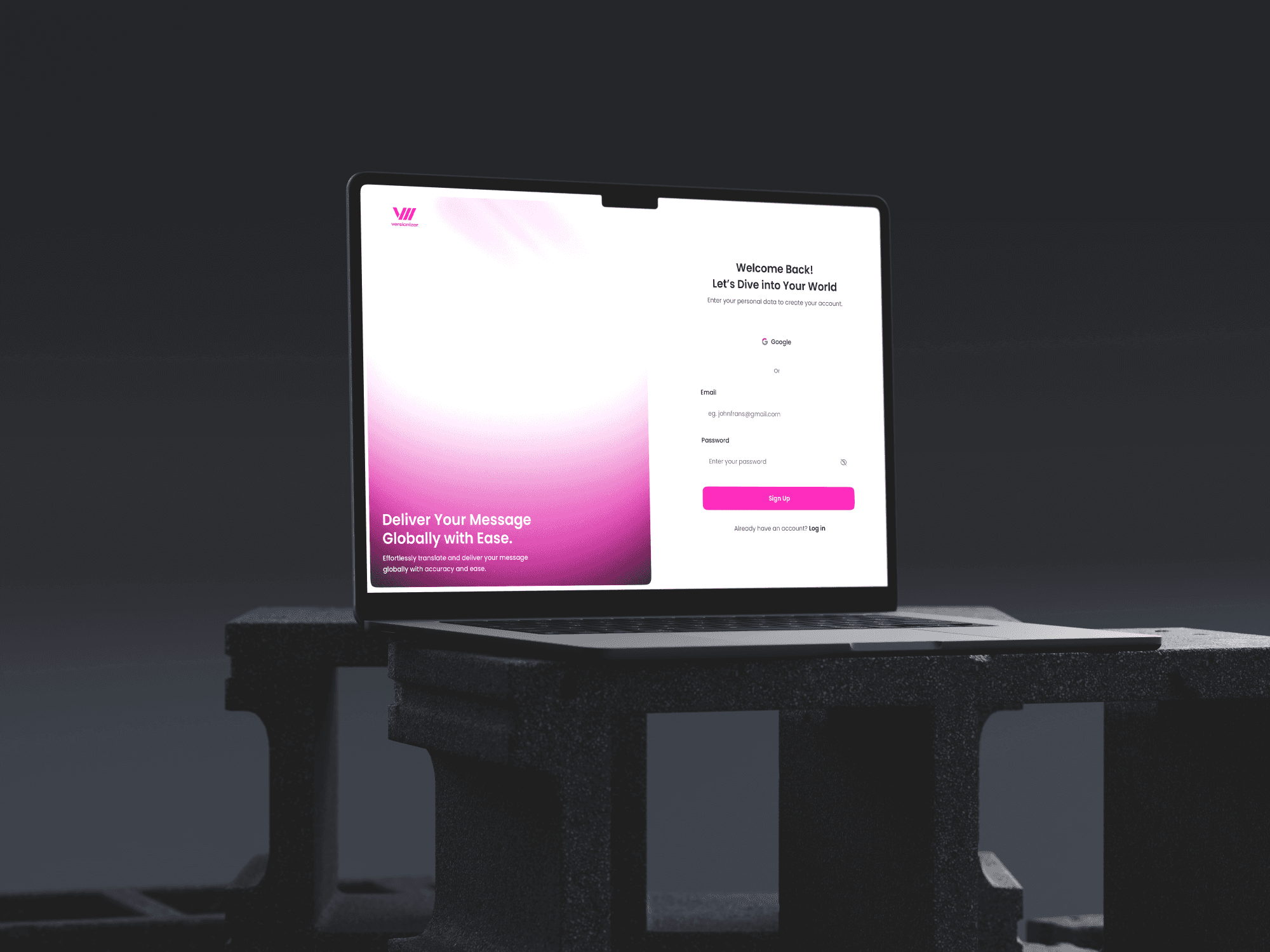
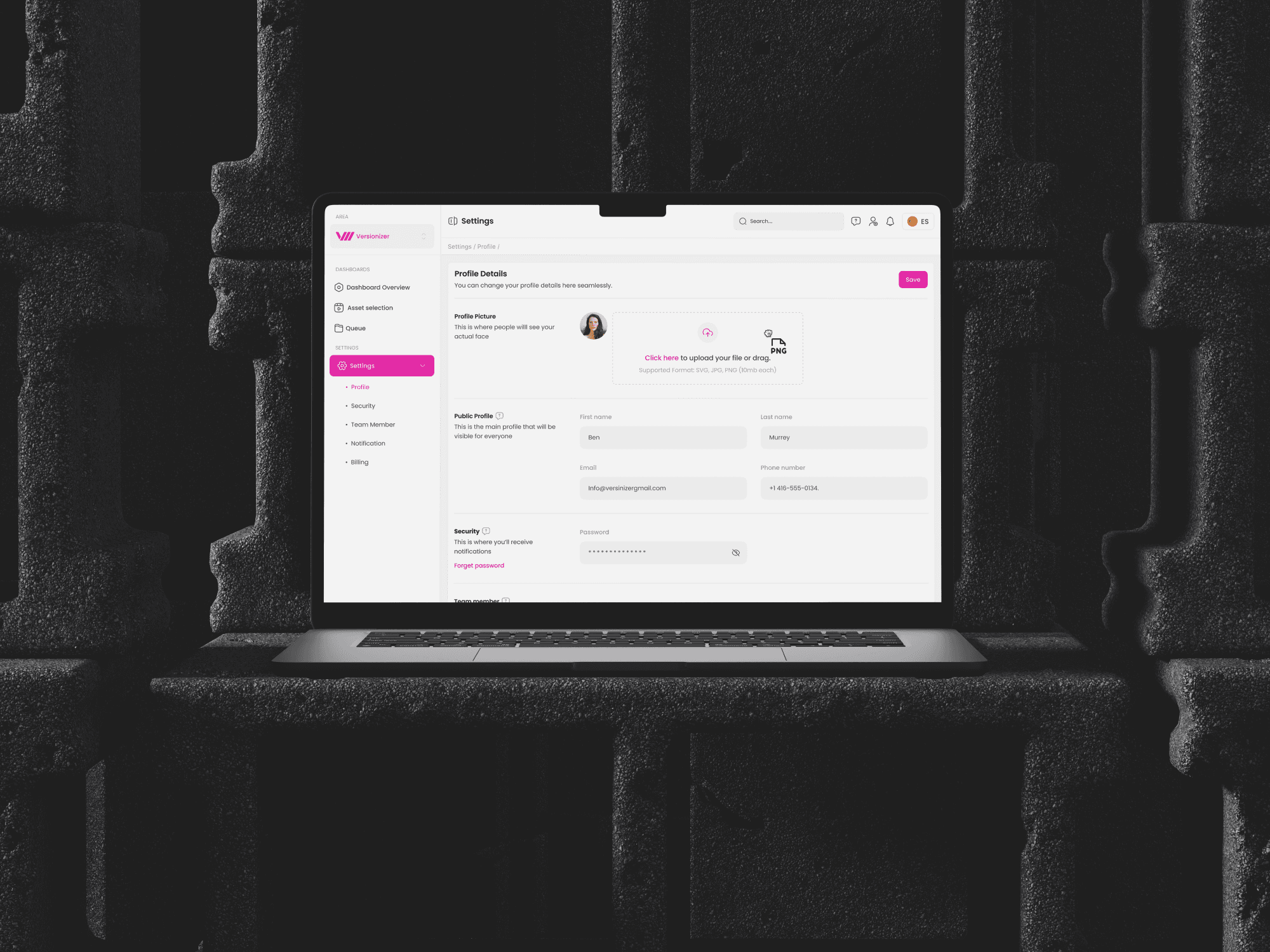
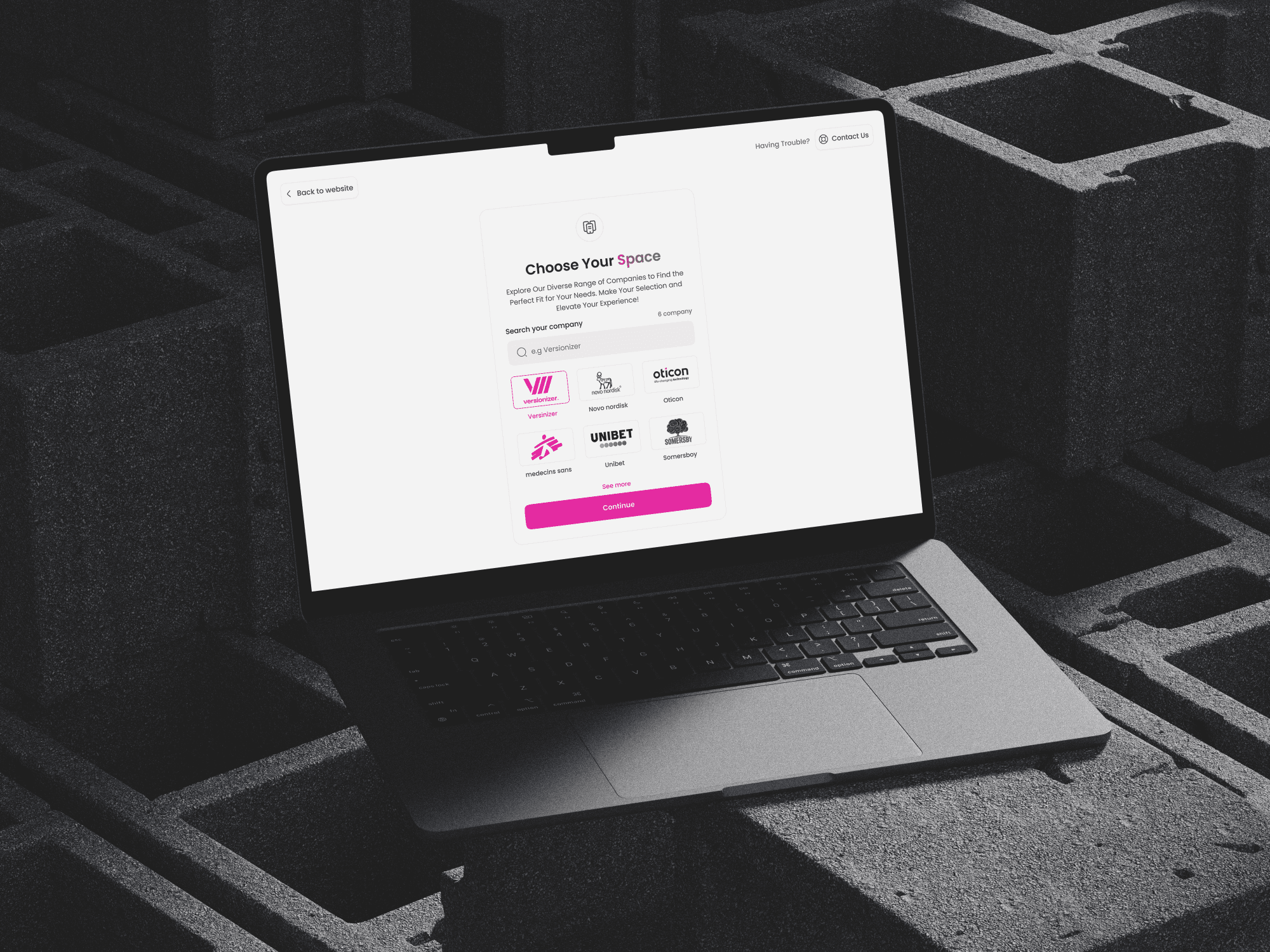
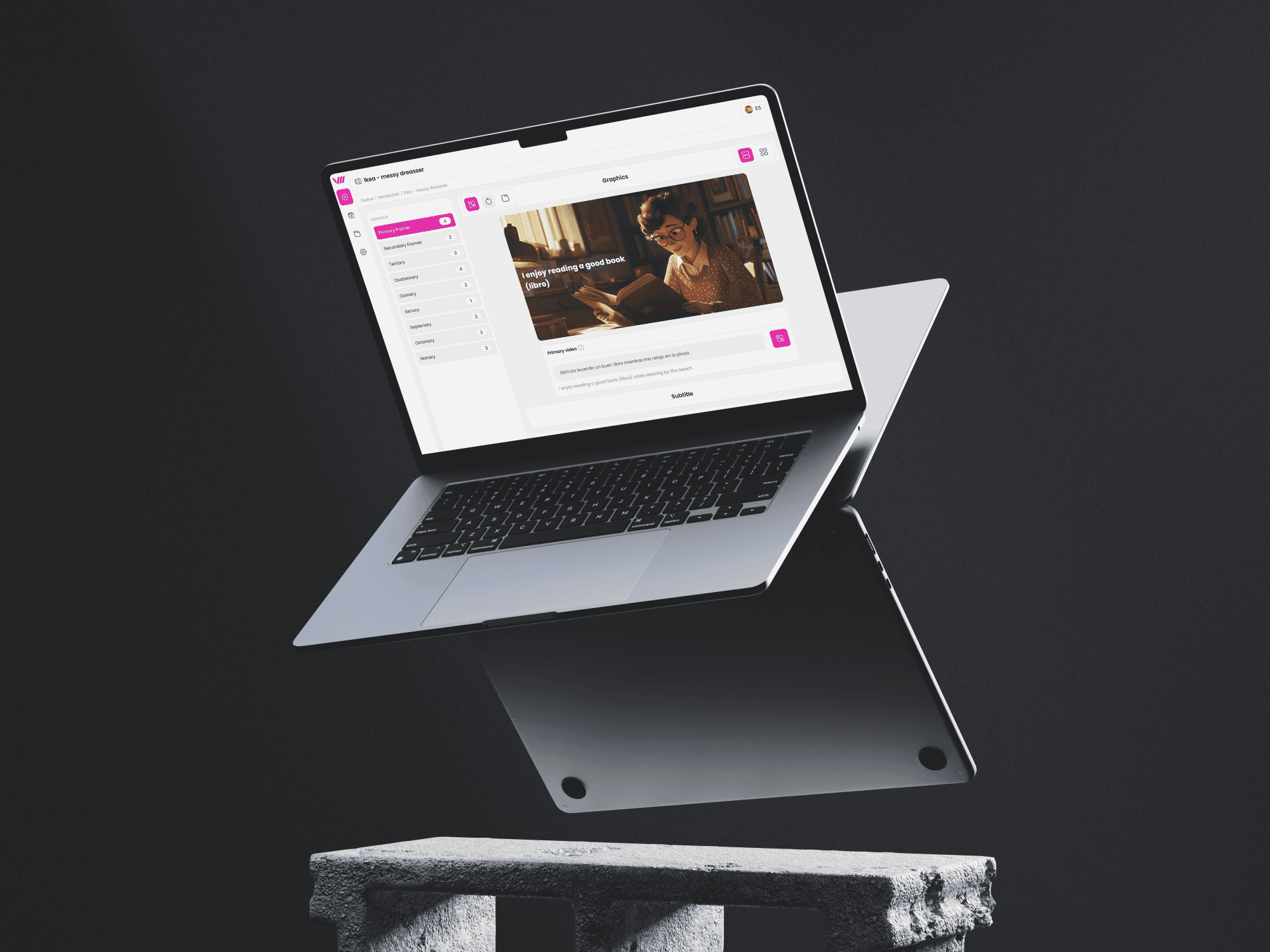
In the final phase, I created multiple designs for each page to capture the client’s preferences. I presented three distinct design visions:
Initial Concept: A starting point based on the mood boards and early discussions
Product Fit: A design refined to better match the product’s goals and audience.
Final Vision: A polished, near-final version of the design.
Deliver design
After presenting the three design phases, we made the final design selections based on the following criteria:
Time Constraints: Ensuring the design could be completed within the project’s timeline without compromising quality.
Budget Limitations: Selecting designs aligned with the project's financial resources, while still delivering the best possible user experience.
Technical Skills of the Team: Choosing designs that matched the team’s technical capabilities, ensuring smooth implementation, and avoiding overly complex features.
Client Preferences: Considering the client’s feedback and preferences to ensure the final design resonated with their vision and expectations.
Screen flow
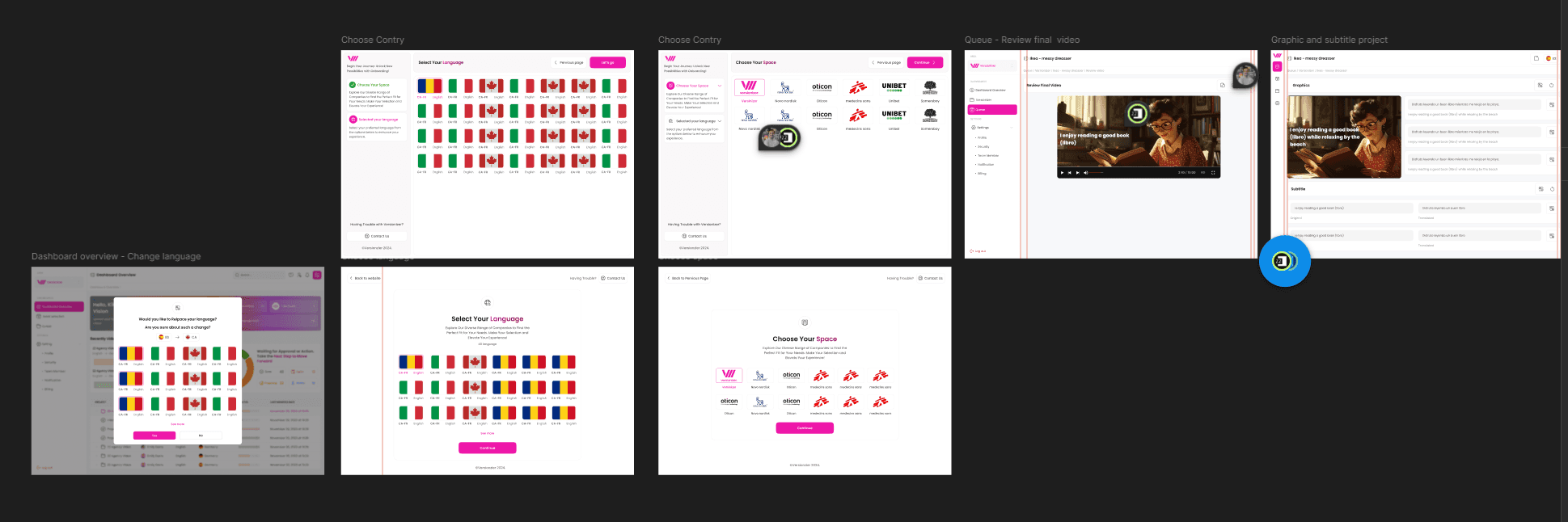
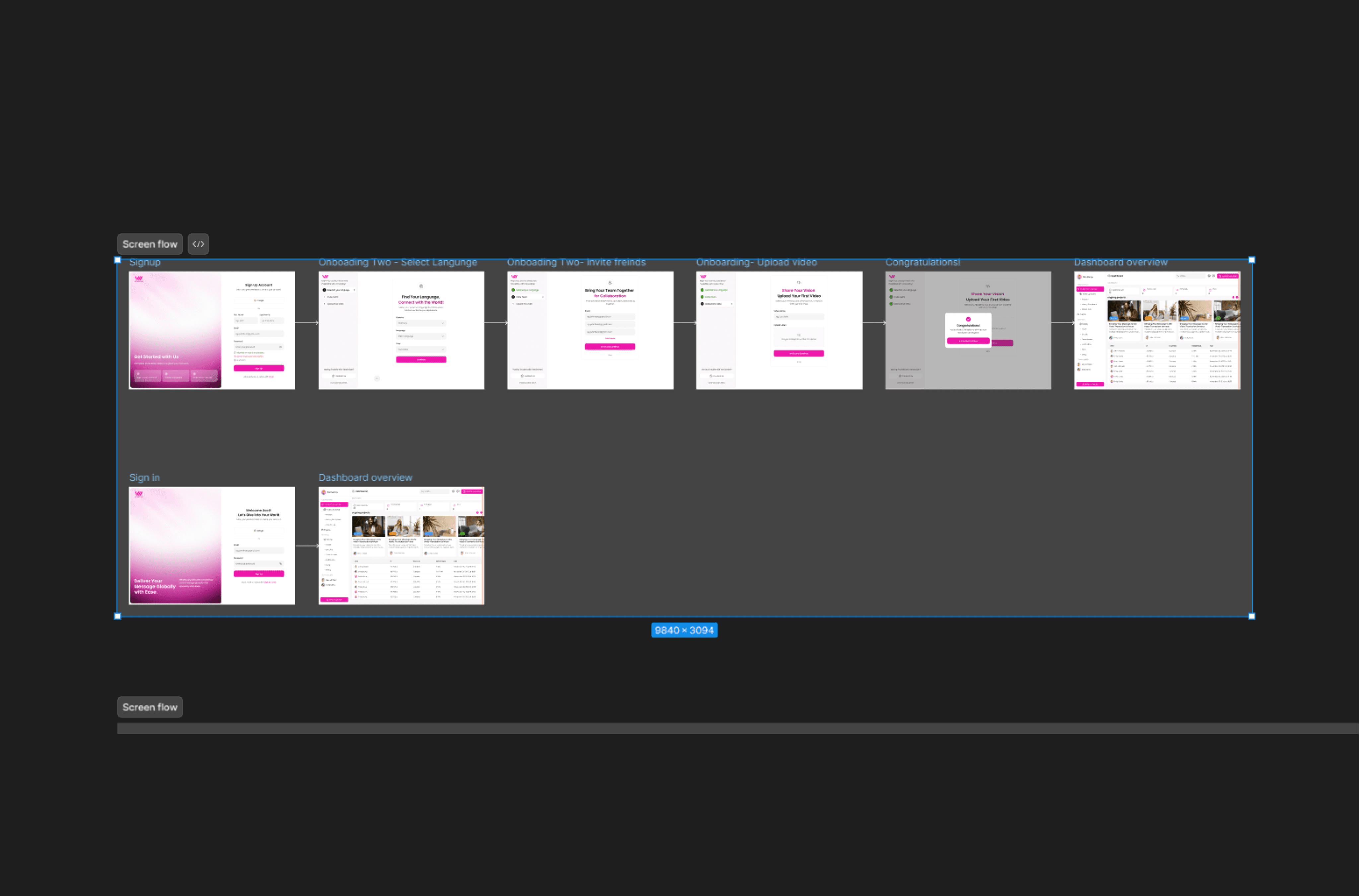
To facilitate a smoother project handoff and save time, we combined two user journeys and the screen flow into one. This will help the front-end development team better understand the flow more easily.